

TLDR
Ceros shipped five features this week. Token usage analytics now has a dedicated drill-down page. The MCP connector registry grew from 10 to 98. Tenant API tokens enable programmatic platform access. A browsable model catalog and agent inventory trend stats round out the release.
The Visibility Gap in Agent Governance
Governing AI agents requires answering three questions at all times: what are agents doing, how much are they consuming, and who authorized it?
Most teams can answer the third question with Ceros (that is the identity layer). But consumption tracking and connector governance have required stitching together multiple views. This week's release closes those gaps.
Five features. All aimed at the same goal: making the state of your agent ecosystem visible at a glance.
Token Usage Analytics: Drill Down by Model, Agent, and User
The dashboard token widget showed aggregate numbers. Useful for a quick pulse check, but not enough when your CFO asks why token spend doubled last month.
The new Token Usage Detail page answers that question.
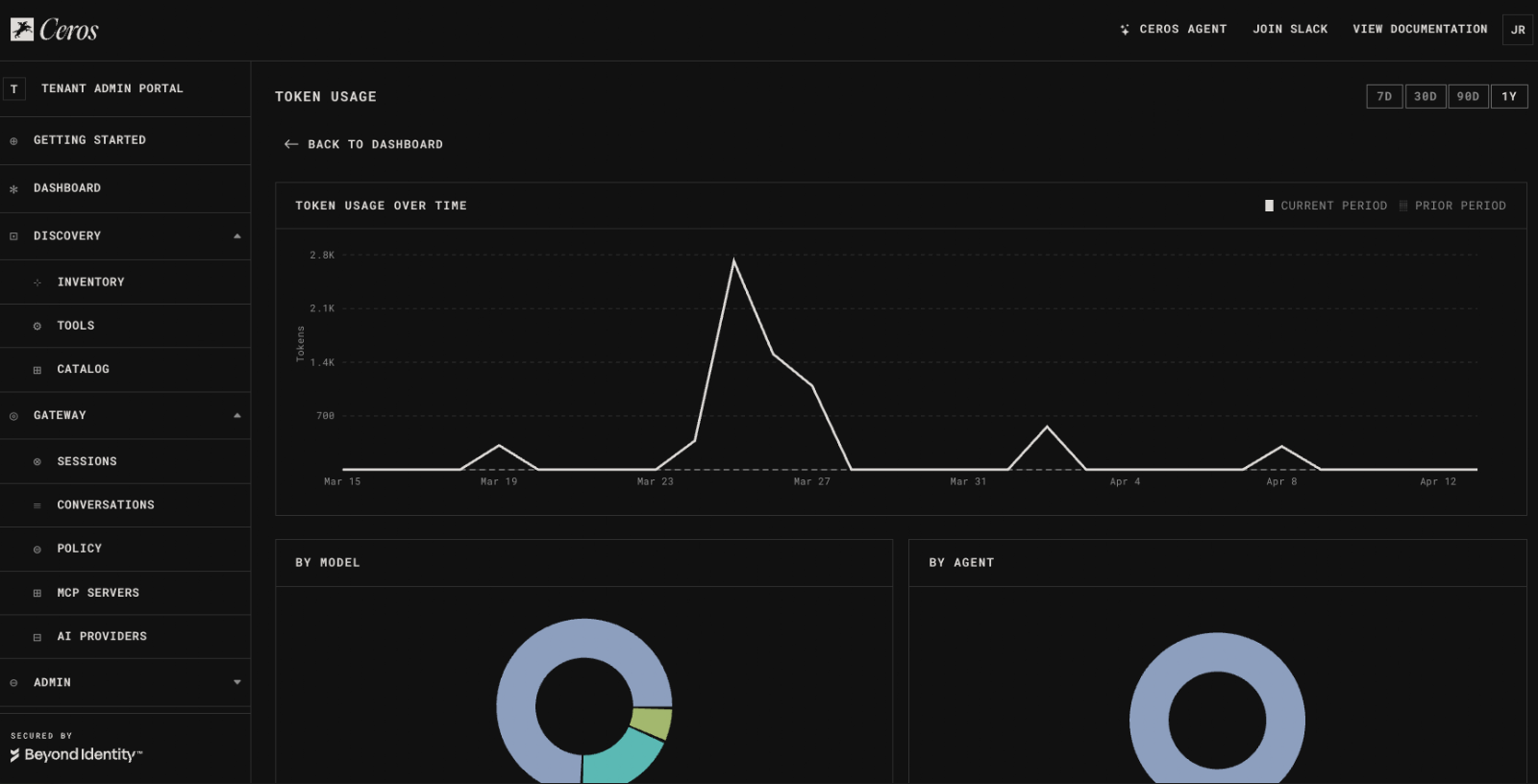
What you get:
Click through from the dashboard widget to land on the detail page. Filter by model, agent, or user. Export the data for internal chargeback or compliance reporting.
This is the page you send to finance when they ask where the AI budget is going.
MCP Registry: From 10 to 98 Connectors
The MCP registry is how Ceros discovers and governs MCP servers across your environment. Last week it shipped with 10 connectors. This week: 98.
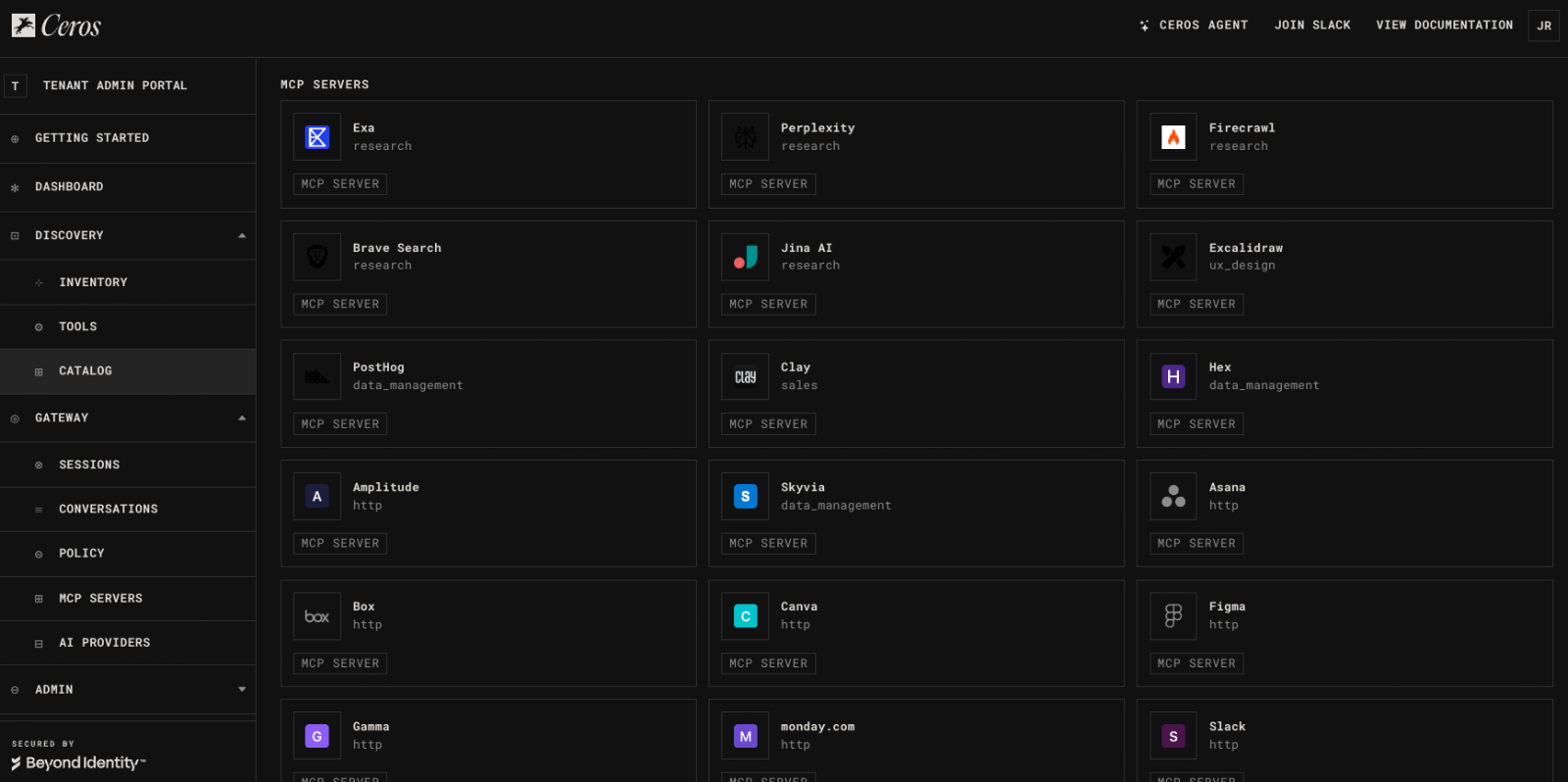
New connectors include:
The catalog UI also changed. Featured connectors now surface at the top of the catalog. Inventory cards show richer metadata. A new browsing section lets admins discover sanctioned connectors without digging through config files.
Why this matters for governance: Every MCP connector in the registry is a connector Ceros can enforce policy on. An unsanctioned Slack MCP server that an engineer spun up last Tuesday? Ceros discovers it, maps it to the registry, and brings it under your policy rules. The larger the registry, the more coverage your policies have out of the box.
Tenant API Tokens
Until now, programmatic access to the Ceros API required using personal admin credentials. That creates two problems: credentials tied to a single human, and no way to scope access to a specific automation.
Tenant API tokens solve both.
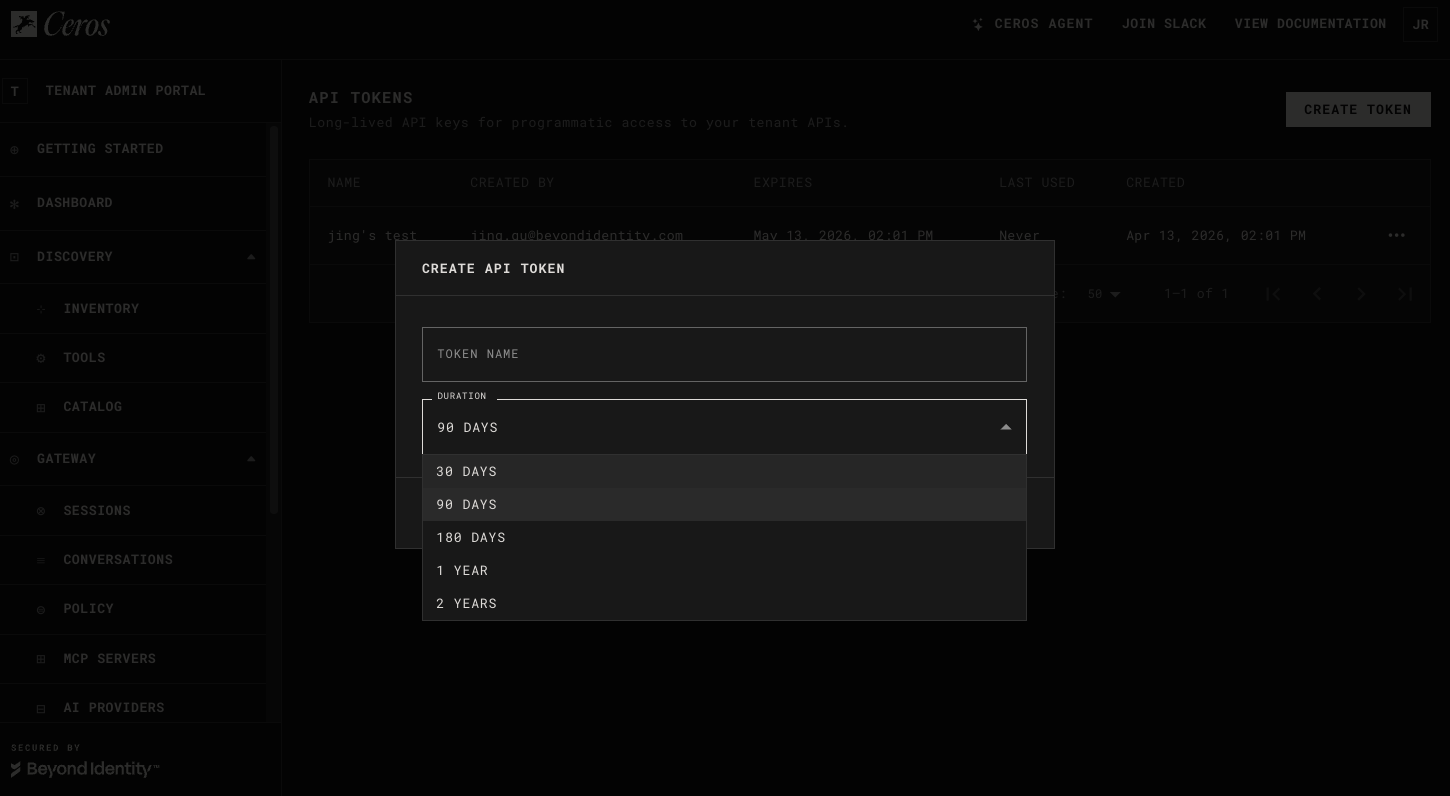
How it works:
- Navigate to the new API Tokens page in the Ceros console
- Create a token scoped to your tenant
- Use the token in API calls wherever the admin API is accepted
curl -H "Authorization: Bearer ceros_t_xxxxx" \
https://api.beyondidentity.ai/v1/agents
Tokens support full lifecycle management: create, rotate, revoke. When a CI pipeline needs to pull agent inventory data or a script needs to update policies, use a tenant token instead of a personal credential.
No more sharing admin accounts. No more API keys in config files on developer laptops.
Model Catalog
Ceros now ships a browsable catalog of AI models. The catalog is loaded from a structured JSON data file containing model metadata (provider, capabilities, context window, pricing) and synced into the platform via xtask catalog-sync.
Catalog cards in the UI pull directly from this authoritative source. Admins configuring which models are available to their tenants can browse the full catalog, compare capabilities, and make informed decisions from a single view.
The catalog data file is version controlled and updated as providers release new models.
Agent Inventory Trends
The agent inventory page now includes prior period comparison stats. Instead of a flat count ("47 agents detected"), you see directional change: whether agent counts are rising, falling, or stable compared to the previous period.
This is the metric security analysts watch to answer: "Is shadow AI growing or are our governance controls working?"
A rising trend signals new, potentially ungoverned agents entering the environment. A stable or declining trend signals that discovery and policy enforcement are keeping pace with adoption.
Getting Started
All five features are available now for all Ceros users.
New to Ceros? Install the CLI and connect in under five minutes:
npm install -g @beyondidentity/ceros-cli
ceros claude
Full documentation: agent.beyondidentity.com/docs
FAQ
How granular is the token usage drill down?
You can filter by model, agent, or individual user. Time series data is available at daily granularity. The sortable user table shows per user consumption so you can identify outliers or run internal chargeback.
Are all 98 MCP connectors available on the free tier?
Yes. The MCP registry and connector catalog are available to all Ceros users, including the Personal (free) tier. Policy enforcement on those connectors is also included.
Can I use tenant API tokens for CI/CD automation?
Yes. Tenant tokens are accepted everywhere the admin API is accepted. Create a dedicated token for each pipeline or automation, rotate on a schedule, and revoke individually if compromised.
How is the model catalog kept up to date?
The catalog is sourced from a version controlled JSON data file. When providers release new models, the catalog is updated and synced via the xtask catalog-sync command. The Ceros team maintains the canonical catalog, and updates ship with platform releases.
What does "prior period" mean in agent inventory trends?
The comparison window matches whatever time range you have selected in the inventory view. If you're viewing the last 7 days, the trend compares against the 7 days before that.
Start governing your AI agents today. Get started with Ceros | Read the docs | See pricing